

Why the Comparison Still Matters
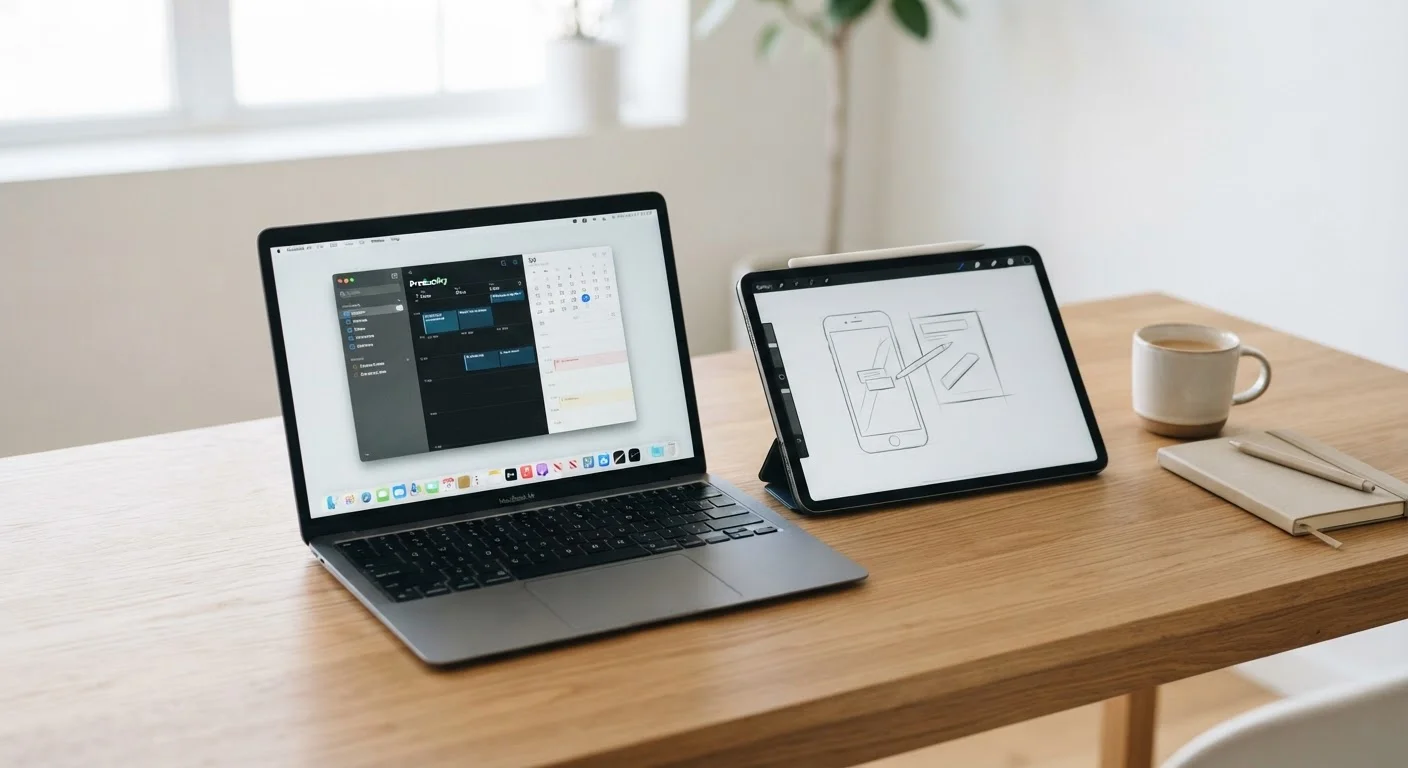
Tablets and laptops have been converging for years. Tablets now support physical keyboards and styluses; some laptops fold flat like a pad. Yet despite the blur, they remain meaningfully different tools - and choosing the wrong one as your primary device creates daily friction.
The question isn't which is technically superior. It's which form factor fits the shape of your actual day: where you use it, what you do with it, and for how long each session typically runs. Understanding these differences also connects to broader questions of device longevity - see our guide on what wears out first in common gadgets to understand how each form factor ages.
Where Tablets Genuinely Shine
Tablets thrive in three specific scenarios: passive consumption, short active sessions, and physical contexts where a laptop is awkward.
- Media and reading: A tablet held in portrait mode for an e-book, or in landscape for streaming video, is a more natural and comfortable experience than a laptop on a lap or in bed.
- Portability without setup: Tablets wake instantly, weigh less, and don't require finding a surface to open a hinge. For quick tasks - checking a calendar, responding to a message, video calling a family member - the friction is genuinely lower.
- Battery endurance: Many tablets deliver 10-12 hours of real-world use, often outlasting similarly priced laptops in continuous screen-on time.
- Touch-first apps: Drawing, annotating PDFs, and certain educational or creative apps are designed around direct touch input in ways that feel natural on a tablet screen.
Tablets also integrate well with your existing smartphone ecosystem. If you've built habits inside your phone's native apps, getting more out of built-in apps translates directly to a tablet running the same platform.
Match the Device to Your Longest Sessions
Think about the task you do for the longest uninterrupted stretch each day. If that's watching content or reading, a tablet fits naturally. If it's writing documents, managing spreadsheets, or jumping between applications, a laptop will cause far less daily frustration. The device you use casually doesn't need to be the same one you rely on for serious output.
Where Laptops Hold a Real Advantage
For sustained, output-heavy work, laptops remain the more capable tool - and that gap is wider than marketing sometimes suggests.
- Keyboard and trackpad: A built-in, full-travel keyboard with a precision trackpad is still superior to a tablet keyboard cover for long writing sessions, coding, or data entry. Touch-typing accuracy and comfort degrade on flat, low-travel keys.
- File system access: Laptops expose a full file system, which matters for managing large numbers of documents, working with external drives, or running software that expects to write anywhere on disk.
- Desktop-class software: Certain professional and creative applications - full versions of photo editors, video suites, code development environments, accounting platforms - either don't exist on tablet operating systems or offer significantly reduced functionality.
- Multitasking: Running multiple windows side-by-side, with each at an independently adjustable size, remains more flexible and predictable on a laptop than on even the most capable tablets.
Storage architecture also differs. To understand why laptops generally feel snappier for file-heavy work, our comparison of solid-state drives vs. hard disk drives explains what's happening under the hood.
| Tablet | Laptop | |
|---|---|---|
| Portability | Lighter, thinner, instant-on | Heavier, requires flat surface |
| Typing comfort | Limited with accessory keyboard | Full-travel keyboard standard |
| Battery life | Often 10-12 hours screen-on | Typically 6-10 hours, varies widely |
| Software depth | Mobile/tablet app ecosystem | Full desktop application support |
| File management | Restricted or sandboxed | Full file system access |
| Multitasking | Improving but still limited | Flexible multi-window support |
| Touch and stylus input | Native and well-optimised | Possible but secondary |
| Typical use duration | Short to medium sessions | Extended work sessions |
The Middle Ground: Keyboard-Equipped Tablets and 2-in-1 Laptops
A tablet paired with a detachable keyboard sits between both worlds - but with real trade-offs. It typically handles casual productivity and media well, but the keyboard experience, multitasking limits, and app ecosystem still align more closely with the tablet side. Conversely, a 2-in-1 laptop that folds flat is still primarily a laptop: it runs desktop software and maintains full file system access, but it's heavier and pricier than a straight tablet.
If you find yourself needing both form factors regularly, good device habits matter more. Maintaining either type properly will extend its useful life considerably - our practical guide on habits that extend hardware life applies to both tablets and laptops.
Connectivity is another practical factor. How you connect each device to your home network affects real-world performance. Our breakdown of wired vs. wireless connections for each device type is worth reading before you set up a new device.


