

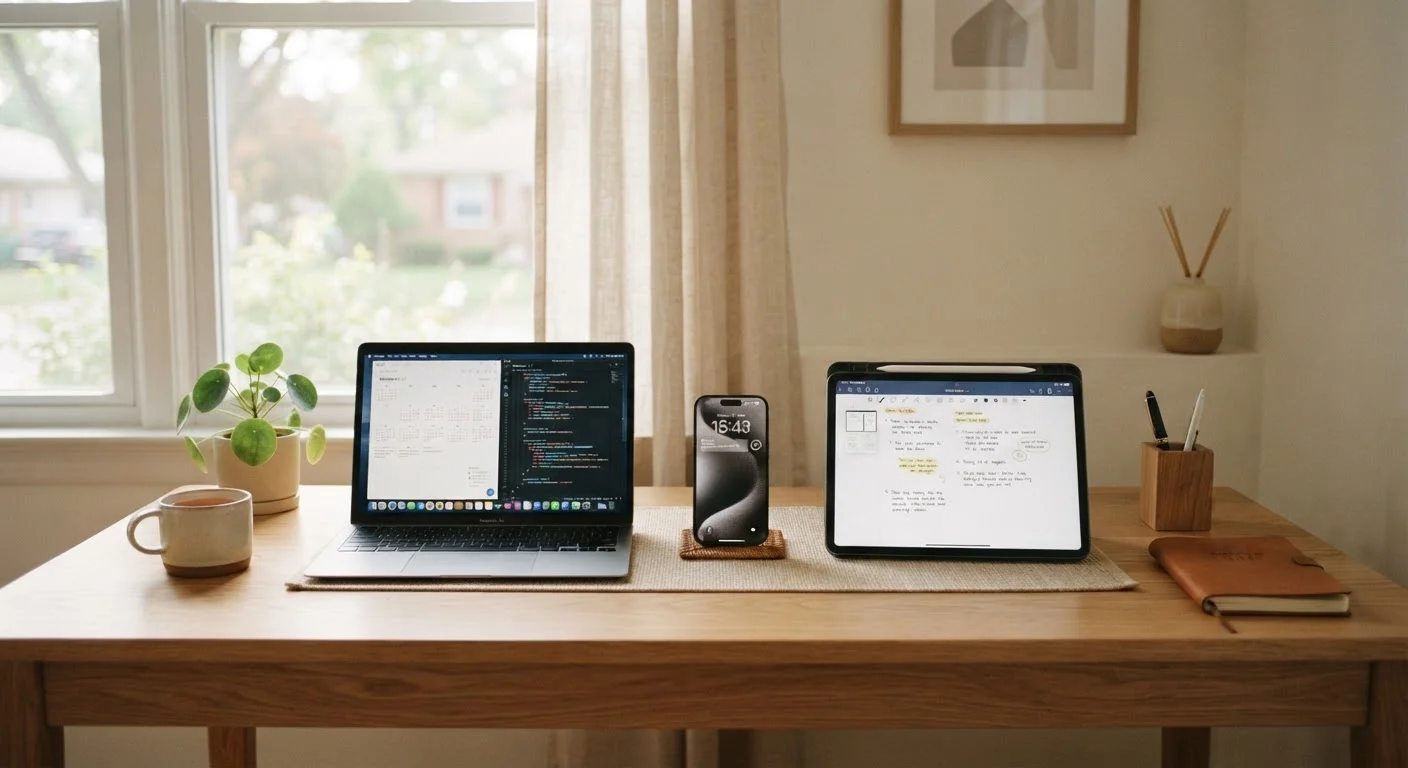
Why Everyday Habits Determine Hardware Longevity
Most devices don't die suddenly - they degrade quietly through patterns of use repeated thousands of times. A phone that runs hot every afternoon, a laptop that never fully shuts down, a tablet charged to 100% every night: individually each habit seems harmless, but cumulatively they shorten device lifespan in measurable ways.
Understanding what actually wears out in your hardware is the first step toward protecting it. Batteries, ports, and screens all age differently, and targeting the right habits to the right components makes your effort far more effective.
The good news: the most impactful habits cost nothing and take little time to adopt.
Keep battery charge between 20% and 80% during typical daily use.
Lithium-ion cells experience less electrochemical stress when they avoid the extremes of full charge and full depletion. Staying in the middle range reduces cycle count wear and slows capacity fade over the battery's lifetime.
Prevent device overheating by ensuring adequate airflow and avoiding heat sources.
Elevated operating temperatures accelerate chemical degradation in batteries, reduce processor lifespan, and can warp components over time. Even moderate chronic overheating - not just extreme cases - causes measurable long-term damage.
Install software and firmware updates promptly rather than deferring them indefinitely.
Updates frequently include power management and thermal efficiency improvements that reduce strain on the processor and battery. Devices running outdated software may work harder than necessary to perform the same tasks.
Maintain at least 10-15% free storage capacity on any device at all times.
Both traditional hard drives and solid-state drives require free space to manage data efficiently. Overfull storage forces the system into more intensive read/write operations, increasing heat, slowing performance, and accelerating component wear.
Restart devices fully at least once or twice a week rather than relying solely on sleep mode.
A full restart clears accumulated background processes that gradually consume memory and processing resources, keeping components working harder than they need to. This reduces unnecessary heat and extends the working life of the processor and battery.
Keep charging ports and physical connectors clean and free of debris.
Lint and dust compact inside ports over time, preventing full cable seating and causing devices to draw current inefficiently or fail to charge at all. Port damage is one of the most common reasons functional devices are unnecessarily replaced.
Battery Health: The Most Misunderstood Variable
Lithium-ion batteries - found in virtually every modern portable device - degrade based on charge cycles and heat exposure, not simply age. Every time a battery charges from 0% to 100%, it completes one cycle. Partial cycles count proportionally, which means keeping your device in the 20%-80% range meaningfully extends how many useful cycles the battery delivers over its lifetime.
Many people hold onto myths about charging - for example, that leaving a phone plugged in overnight is always harmful, or that you must occasionally drain the battery to zero. These widespread beliefs deserve a closer look, because acting on bad information can accelerate exactly the damage you're trying to prevent.
~500
Typical full charge cycles before noticeable battery degradation
Battery manufacturers and independent testing generally indicate that lithium-ion cells begin showing meaningful capacity loss after approximately 300-500 full cycles, depending on thermal conditions and charging habits.
20-40%
Faster capacity loss at high charge levels and heat
Research published in battery science literature consistently shows that storing or regularly charging lithium-ion batteries at or near 100% in warm conditions can accelerate capacity loss by 20-40% compared with moderate-charge, cool-temperature use.
Heat, Storage, and Software: The Hidden Wear Factors
Heat is the most underestimated threat to consumer electronics. Processors, batteries, and storage chips all degrade faster at elevated temperatures. Using a device while it charges - especially during intensive tasks like gaming or video streaming - generates compounding heat that accelerates component aging. Setting a phone on a car dashboard in direct sunlight, or running a laptop on a soft surface that blocks its vents, creates the same problem.
Storage management matters more than most users expect. When a drive - whether it's a traditional hard drive or a solid-state drive - fills beyond roughly 85-90% capacity, the device works harder to manage read/write operations, increasing both heat and wear. Periodically clearing out unused apps, old downloads, and duplicate photos is a genuine hardware-care habit, not just digital tidying.
Software updates, meanwhile, often include firmware improvements and thermal management fixes that reduce how hard components have to work. Skipping updates can leave a device running inefficient code that generates unnecessary heat and battery drain. To get the most from what's already installed, it's also worth exploring your phone's built-in apps more fully - many background-management tools are hiding in plain sight.
Check Your Device's Built-In Battery Health Tools
Most modern smartphones and laptops include a battery health or usage report in their settings menus. Checking this every few months gives you an objective read on capacity degradation before it becomes noticeable in daily use. On many devices, you can also see which apps are consuming the most power in the background - disabling or restricting those is an immediate win for both battery life and component longevity.
Physical Care and Shutdown Habits That Actually Matter
Ports are among the first physical components to fail, usually from debris buildup and repeated rough insertion of cables. Gently cleaning charging ports and headphone jacks with a dry soft brush every few weeks prevents the lint accumulation that causes charging failures and intermittent connections - a surprisingly common reason devices are replaced prematurely.
Proper shutdown and restart routines also matter. Devices left in sleep mode for extended periods without periodic full restarts accumulate memory processes that can cause thermal creep - the gradual buildup of background activity that keeps components warm unnecessarily. A full restart once or twice a week clears this out.
Finally, when a device does reach the end of a useful life, responsible transition is important. Old devices hold more personal data than most people realize - a checklist approach to data removal protects privacy while ensuring the hardware can be reused or recycled responsibly.


