

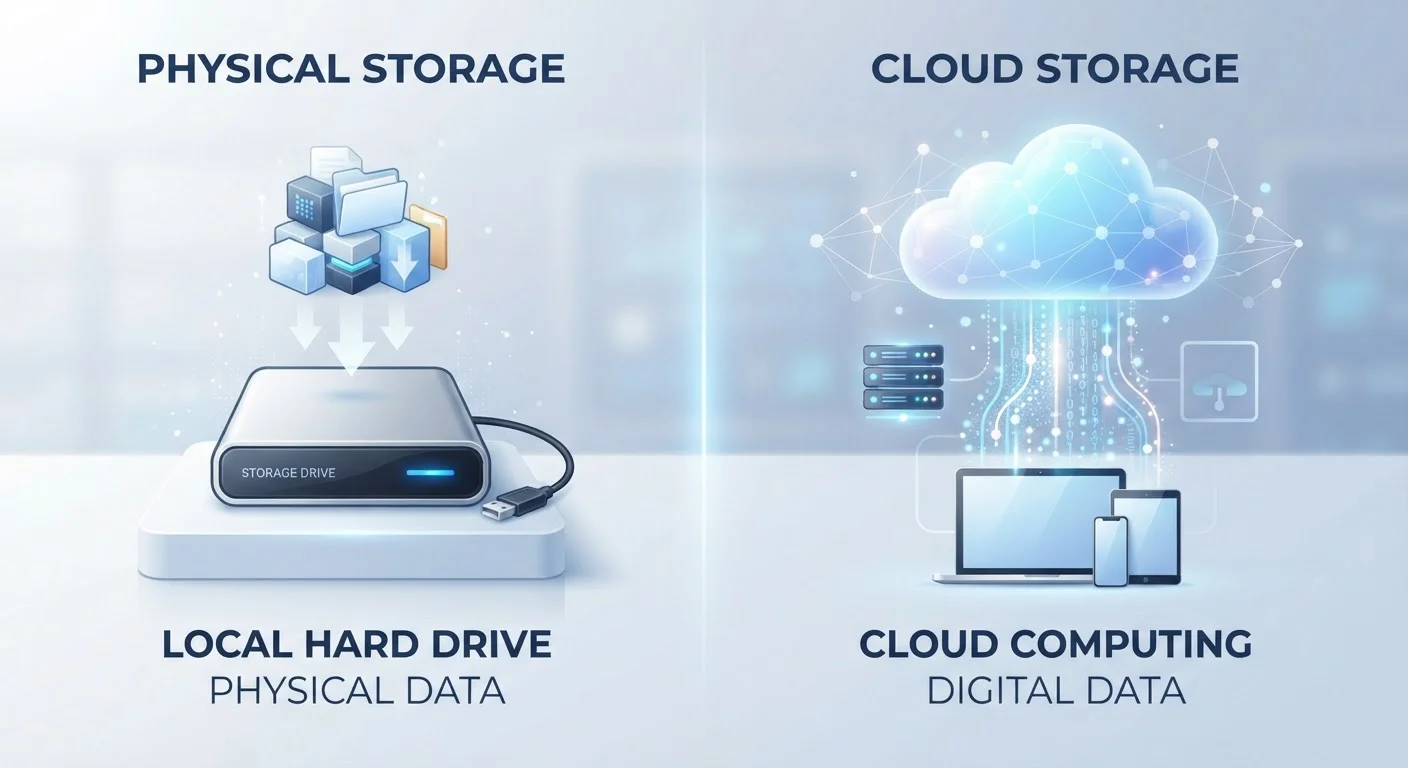
What Each Term Actually Means
When you save a file, it has to physically land somewhere. Local storage means it lands on hardware you own - the internal drive inside your laptop, phone, or tablet, or an external drive you plug in. Cloud storage means it's transmitted over the internet to a data center owned and operated by a service provider, where it sits on their servers until you request it back.
The word "cloud" is really just a consumer-friendly label for someone else's computer. When you upload a photo to a cloud service, that image travels over the internet, gets stored on a remote server (often in multiple locations for redundancy), and streams back to your screen whenever you open it. Your device itself isn't holding that file - it's holding a cached preview or a shortcut to it.
Local storage, by contrast, is entirely self-contained. When you save a document to your laptop's hard drive, it writes directly to physical storage media inside the machine. No internet required, no third party involved. For a deeper look at how local storage hardware works, see our guide to SSDs vs. HDDs.
| Criterion | Cloud Storage | Local Storage |
|---|---|---|
| Where files are saved | Remote servers (data centers) | Your own device or drive |
| Internet required | Yes, to access or sync | No |
| Multi-device access | Automatic and seamless | Manual transfer needed |
| Risk of data loss | Low (redundant servers) | Higher (hardware failure) |
| Privacy control | Shared with provider | Fully yours |
| Typical cost model | Ongoing subscription | One-time hardware purchase |
| Speed of access | Depends on connection | Near-instant |
Access, Reliability, and What Can Go Wrong
Cloud storage's biggest appeal is seamless access from any device with an internet connection. Edit a spreadsheet on your work laptop, open it minutes later on your phone - the file is always current. The trade-off is dependency: if your connection drops or the provider experiences an outage, your files become temporarily unreachable. And if a provider shuts down or changes its terms, your data's fate is partly in their hands.
Local storage is the opposite. No internet, no service subscription - just instant access to whatever is saved on that drive. The vulnerability is physical: a dropped laptop, a corrupted drive, or theft can wipe everything. Unlike cloud storage, there's no automatic off-site copy waiting to rescue you.
What Happens When a Cloud Service Closes?
Cloud storage providers can change pricing, reduce free storage tiers, or in rare cases shut down entirely. When this happens, users typically receive advance notice and a window to download their data - but that window can be short. Keeping a local copy of your most important files means you're never entirely dependent on a single provider's continued operation.
This is why data professionals often cite the 3-2-1 rule: keep three copies of important files, on two different types of media, with one stored off-site (which cloud storage neatly fulfills). If you're switching to a new device and thinking through your data strategy, our practical walkthrough for new device setup covers exactly this process.
Privacy, Cost, and Choosing Your Approach
Privacy considerations differ significantly. With local storage, only people with physical access to your device can reach your files. With cloud storage, your data resides on a provider's infrastructure, which means it's subject to that company's privacy policy, their security practices, and potentially legal requests. Reviewing what permissions and data-access rights services claim is worthwhile - similar thinking applies when you review app permissions on your phone.
Cost structures also differ. Local storage is largely a one-time hardware cost - you buy the drive and own it. Cloud storage typically runs on a subscription model, with free tiers offering limited space and paid tiers scaling up. Over several years, subscription costs can exceed the price of an equivalent external drive.
For most everyday users, neither option alone is the complete answer. Cloud storage handles automatic backup and cross-device convenience; local storage provides speed, offline access, and control. Using both - keeping important files on your device while enabling cloud sync for backup - gives you the strengths of each. As you think about where different files belong, a systematic audit of your digital files can help you decide what's worth storing where.
94%
Enterprises using cloud services
According to Flexera's State of the Cloud Report, the vast majority of organizations now use at least one cloud service, reflecting how mainstream cloud infrastructure has become.
60%
Data losses caused by human error or hardware failure
Industry estimates consistently identify hardware failure and accidental deletion as leading causes of data loss, underscoring why off-site backup matters.


