

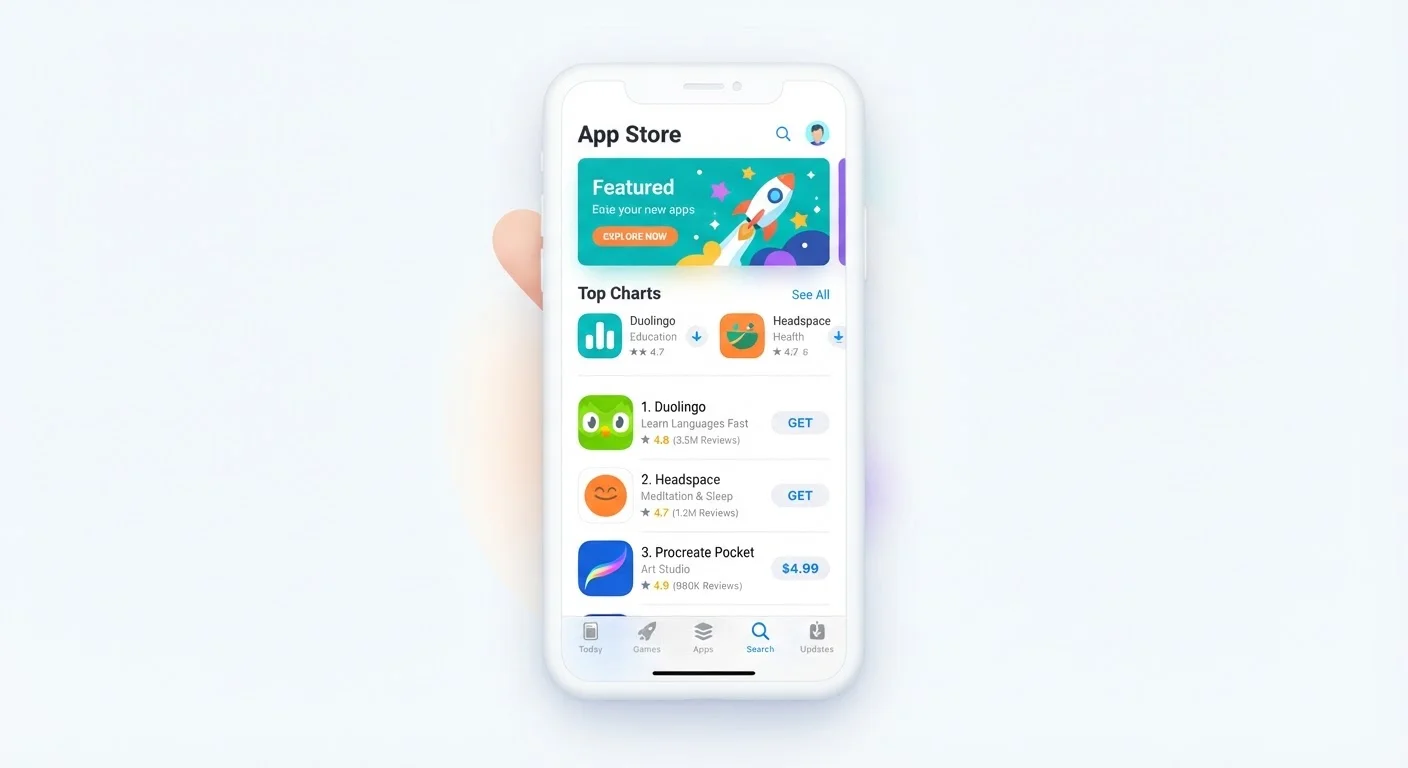
Why App Store Language Matters
Every app store listing - whether on Apple's App Store or Google Play - contains a standardized set of terms that describe what an app costs, what it needs to run, and what it will access on your device. Most people scroll past this language without a second thought, but it holds real implications for your privacy, your budget, and whether the app will even work on your phone.
This glossary decodes the most common terms you'll encounter before tapping that download button. Think of it as a companion to understanding app permissions - two sides of the same informed-download coin.
| Platforms covered by this glossary | Apple App Store and Google Play Store |
| Most common pricing models | Free, Paid, Freemium, Subscription |
| Where to cancel auto-renewing subscriptions | Device account settings (not inside the app itself) |
| Minimum OS requirement | Listed under 'Compatibility' or 'Requirements' in each listing |
| Who assigns age ratings | The app developer, under platform content guidelines |
| Privacy data disclosures | Required by both Apple and Google for all published apps |
Core Terms Defined
The definitions below cover the language used across both major app marketplaces. While exact wording varies slightly between platforms, the underlying concepts are consistent.
In-App Purchase (IAP)
A transaction made inside an app after it has been downloaded. IAPs can unlock features, remove ads, or add content - and may be one-time or recurring.
Subscription
A recurring payment (weekly, monthly, or annual) that grants access to an app or its premium features. Subscriptions auto-renew until cancelled through your device's account settings.
Freemium
A pricing model where the app is free to download but charges for advanced features or content. The free tier may be fully functional or deliberately limited to encourage upgrades.
Requires iOS / Android Version
The minimum operating system version your device must be running for the app to install and function correctly. Devices on older OS versions may not be able to download the app at all.
Permissions
Access rights the app requests on your device - such as camera, contacts, or location. You approve or deny these when first launching the app, and can adjust them later in device Settings.
Rating (Stars)
An average score from user reviews, typically on a 1-5 scale. A high rating with very few reviews is less meaningful than a similar rating backed by thousands of responses.
App Size
The amount of storage space the app occupies when installed, shown in megabytes (MB) or gigabytes (GB). Some apps download additional data after installation, requiring more free space than the listed size.
Developer / Publisher
The individual, company, or studio that built and submitted the app. The developer name appears beneath the app title and is useful for verifying you're downloading an official, legitimate version.
Age Rating
A content classification (e.g., 4+, Teen, Mature 17+) assigned by the developer under each platform's guidelines. It indicates the maturity level of the app's content, not a strict suitability guarantee.
Update / Version History
A log of changes made to the app over time. Frequent, well-documented updates generally indicate an actively maintained app; stale update histories may signal an abandoned product.
Privacy Policy
A linked legal document describing what data the app collects, how it is stored, and whether it is shared with third parties. Both app stores require developers to provide one.
Compatibility
Whether the app is designed to work on your specific device type, screen size, or operating system. An app may be available for phones but not tablets, or may behave differently across device generations.
For a similar exercise in a different domain, see how home networking terminology follows the same decode-the-jargon approach.
Pricing Models and What They Mean for You
App pricing language is where misunderstandings cost real money. A few key distinctions:
- Free vs. freemium: A truly free app has no paid tiers or upgrades. A freemium app is free to download but limits features until you pay - either a one-time fee or a subscription. Evaluating whether that upgrade is worth it depends entirely on how you plan to use the app.
- In-app purchases vs. subscriptions: In-app purchases are one-time transactions inside the app (a level pack in a game, a premium filter). Subscriptions are recurring charges - weekly, monthly, or annually - and will auto-renew unless you cancel through your device's subscription settings.
- Paid app: You pay once at download and own that version. Future major versions may cost extra.
Cancelling Subscriptions Requires a Separate Step
Deleting an app from your phone does not cancel an active subscription. You must cancel through your Apple ID or Google account settings to stop being charged. Both platforms provide a subscriptions management screen where all active recurring charges are listed in one place.
Before downloading, scroll to the pricing section and look for the words "auto-renewing subscription" - that phrase signals a recurring charge, not a one-time payment.
Compatibility and Requirements
Terms like "Requires iOS 17" or "Android 12 and up" tell you whether an app will run on your current device. If your operating system version is older than the listed requirement, the app either won't install or may behave unpredictably. Checking your device's current OS version takes under a minute in your phone's Settings menu.
App size (listed in megabytes or gigabytes) tells you how much storage the app occupies at install time. Some apps also download additional content after installation, so available storage should exceed the listed size. Age rating is assigned by the developer based on content guidelines set by each platform - it does not guarantee content is appropriate for every child at or above that age.


