

Why the Distinction Matters
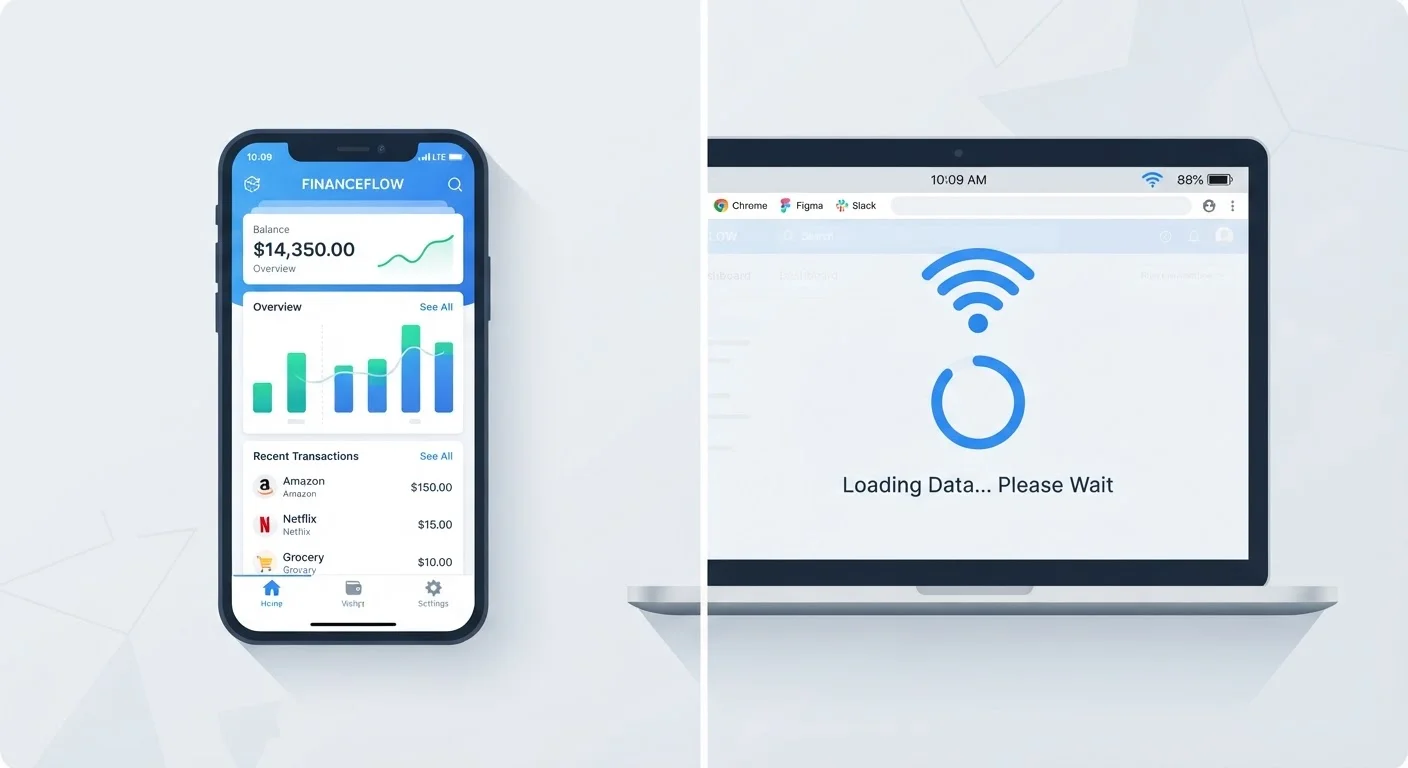
You open a map app in a tunnel and get nothing. You try to edit a document on a flight and find half the features grayed out. Or you load a game at a campsite and it works perfectly without any signal. These experiences all come down to one underlying question: does this app need the internet, and for what?
Understanding the offline-versus-online divide helps you plan for travel, manage mobile data, and avoid the frustration of apps that silently fail when connectivity drops. It also shapes decisions about which apps to keep on your phone for situations where a reliable signal isn't guaranteed. For a broader look at how connectivity works in your home, see our guide to home Wi-Fi from the ground up.
What Makes an App Truly Offline
A genuinely offline app stores everything it needs - code, data, and media - directly on your device. A calculator, a locally stored PDF reader, or a puzzle game with no leaderboard are classic examples. Once installed, they run independently of any network.
The key ingredient is local storage: the app's content lives in your device's memory rather than on a distant server. When you tap the icon, the app loads from your device alone. No request is sent over the internet, and no response is required to make it function.
~7 GB
Average US smartphone storage used by apps
Data from app analytics research suggests app storage consumption has grown steadily as apps bundle more offline-capable content on-device.
70%+
Mobile users who experience connectivity gaps weekly
Industry surveys consistently show the majority of smartphone users encounter at least one period of poor or no signal during a typical week.
Some apps extend this model with cached content - data downloaded during a previous online session and stored for later use. Mapping apps that let you download regions, music apps with an offline playlist feature, and language-learning tools with downloadable lesson packs all use this approach. They need a connection to fetch and store the content initially, but once saved, that content is available without Wi-Fi.
What Keeps Online Apps Tethered to a Connection
Online apps - including most streaming services, social media platforms, real-time collaboration tools, and cloud-based software - depend on servers to do their work. When you watch a video, the footage streams from a remote data center. When you send a message, it travels through a company's infrastructure before reaching the recipient. When you open a cloud document, the file is fetched from a server, not your device.
This architecture has real advantages: your data is accessible from any device, updates happen instantly, and storage demands on your phone or laptop stay low. But the trade-off is clear - without a stable connection, these apps either slow to a crawl or stop working altogether.
A traveler uses a streaming music app during a cross-country flight. Songs downloaded before boarding play without interruption, but they can't browse new releases or access their full library.
A remote worker opens a cloud-based spreadsheet tool in a hotel with an unreliable connection and finds the file won't load.
A hiker downloads regional maps to their phone before heading into an area with no cell service, then navigates the entire trail without a signal.
A student uses a basic calculator app on a phone in airplane mode - it opens instantly and works without any connection.
Real-time features are especially demanding. Video calls, live navigation with traffic data, multiplayer gaming, and collaborative document editing all require a persistent, low-latency connection. Even a brief drop can interrupt the experience. For more on how your connection type affects app performance, wired vs. wireless connections each have real strengths depending on the device.
The Hybrid Middle Ground
Most modern apps don't sit neatly at either extreme - they're hybrid. A note-taking app may let you create and edit notes offline, then sync changes the next time you connect. An email client loads recent messages from a local cache but can't fetch new ones without connectivity. A podcast app downloads episodes in advance so you can listen mid-flight.
“The best offline experience is one users barely notice - the app simply works, and connectivity becomes an enhancement rather than a requirement.”
— Jakob Nielsen, Usability researcher and co-founder of the Nielsen Norman Group
The practical implication: hybrid apps require you to prepare ahead of time. If you know you'll be somewhere without reliable signal - a long flight, a rural area, or a building with poor reception - download what you need while connected. Check the app's settings for an offline mode or download option before you lose access. And be aware that account verification, in-app purchases, and content licenses often still require a brief connection even in otherwise offline-capable apps. For guidance on evaluating what you're actually getting from an app, our look at free vs. paid app versions covers the trade-offs worth knowing.


