

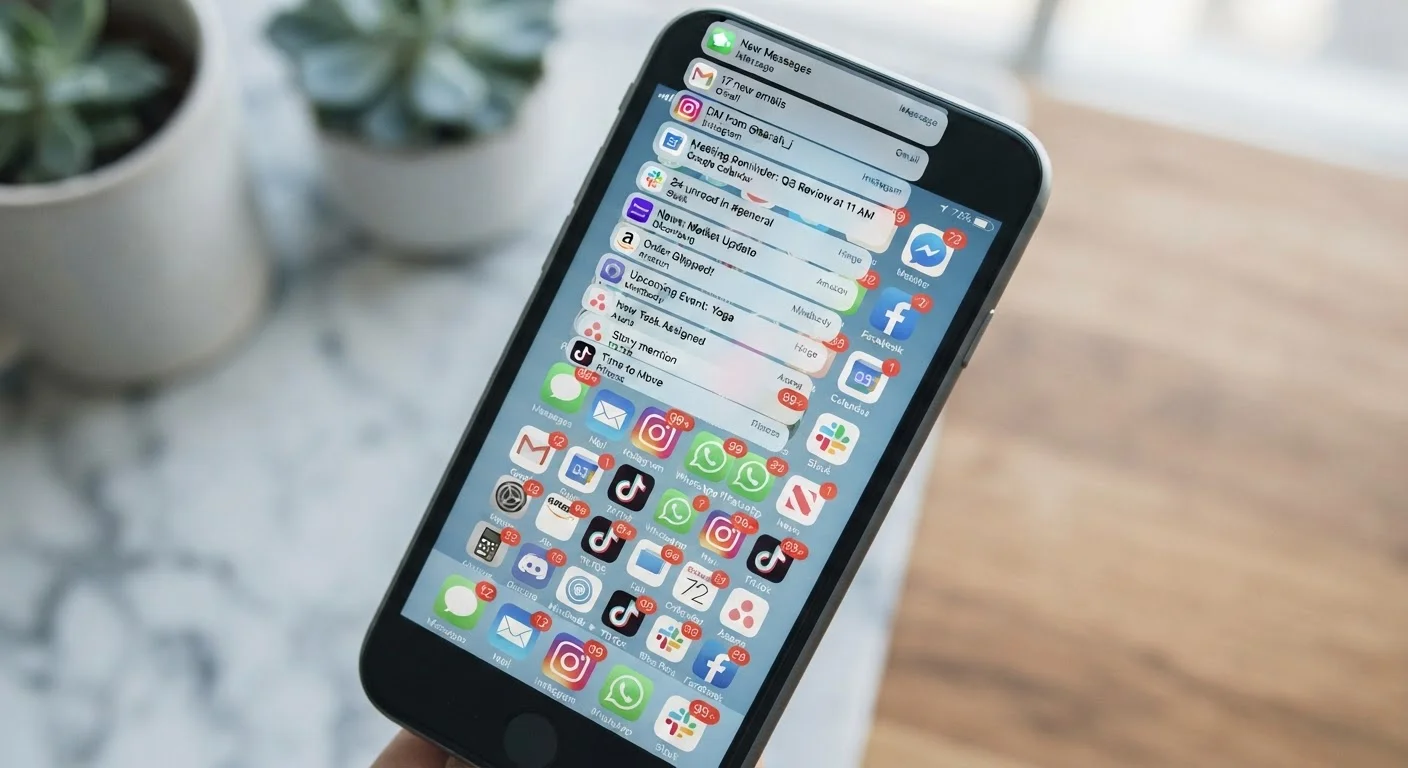
Why Notifications Became a Problem Worth Solving
The average smartphone user receives well over 60 app notifications per day, according to industry research on mobile engagement. Most arrive unrequested, offering little more than marketing pings, social media activity counters, or reminders the user never asked for. The cumulative effect is a constant pull on attention that fragments focus - even when users don't consciously respond to each alert.
Research on interruption and cognitive load consistently shows that recovering full concentration after an interruption can take more than 20 minutes. Multiply that by dozens of daily pings and the productivity cost becomes significant. There are also safety dimensions: distraction from phone notifications is a recognized contributor to dangerous driving behavior. For a closer look at that risk, see our article on smartphone distraction behind the wheel.
The good news is that your phone already has the tools to fix this. The settings exist - most users just haven't been shown how to use them.
Best Practices for Taking Control of Your Alerts
The following practices reflect how notification systems actually work on modern smartphones, and what changes produce the clearest results.
Audit every app's notification permissions during a single dedicated session
Most apps are granted notification access at install and never reviewed again. A one-time audit reveals how many apps are sending alerts you've never consciously agreed to receive, and gives you a clear baseline to work from.
Separate urgent alerts from informational ones using notification categories
Modern platforms allow per-app notification types - for example, a banking app might have separate categories for transaction alerts versus promotional messages. Keeping only the genuinely time-sensitive category active prevents the system from training you to ignore everything.
Use Focus modes or Do Not Disturb schedules to batch interruptions
Rather than expecting yourself to ignore every ping manually, scheduled quiet windows enforce the boundary automatically. This preserves deep work blocks and reduces the cognitive tax of ongoing self-regulation.
Enable lock-screen notification privacy for sensitive apps
Notifications that preview message content on the lock screen expose private information to anyone who glances at your phone and create unnecessary urgency - you see a partial message and feel compelled to respond before you have full context.
Turn off badge counts on social and email apps
Unread count badges create a low-grade compulsion to clear the number, which drives checking behavior that isn't tied to any real need. Removing them decouples the act of opening an app from a sense of obligation.
Quick Changes You Can Make Right Now
You don't need to overhaul everything at once. These targeted actions address the most common sources of notification friction and can each be completed in minutes.
For readers who want to go deeper, many of these controls live inside your phone's built-in apps - features that are easy to miss. Our guide on getting more out of your phone's built-in apps walks through what's already on your device and often overlooked.
The Broader Impact of Getting This Right
Quieting your notification stream isn't just a productivity tweak - it has a measurable effect on how stressed and reactive you feel throughout the day. Chronic interruption is associated with elevated stress markers and reduced sense of control, according to behavioral research in occupational psychology. If you've noticed irritability or difficulty concentrating that goes beyond phone habits, it may be worth reading about mental health warning signs adults often overlook.
Notification Settings Vary by Platform and App Version
The exact location and naming of notification controls differs between iOS and Android, and can vary further depending on the version of the operating system or app you're running. The general principles described here apply broadly, but you may need to explore your specific settings menu to find the equivalent option. Searching your phone's Settings app using a keyword like 'notifications' is the fastest way to locate the right screen.
Notification settings are also worth revisiting whenever you add a new subscription app to your phone. Many subscription services default to aggressive notification permissions as part of their engagement strategy - something worth factoring into your evaluation. Our coverage of subscription app trade-offs provides useful context here.


