

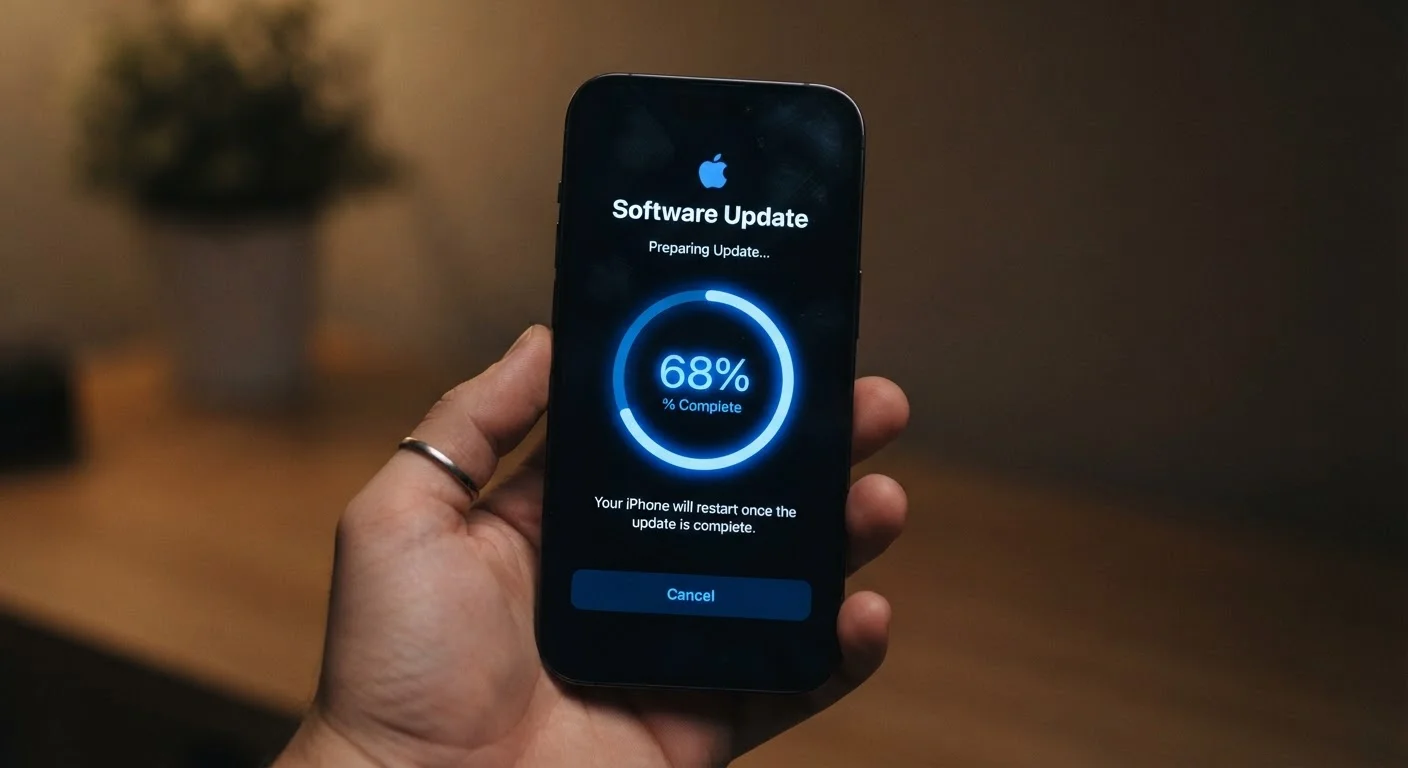
The Four Types of Changes Inside Every Update
Not every update is created equal. The notification that appears on your phone or computer may contain one type of change, or a mix of all four. Understanding the difference helps you judge how urgently to act.
- Security patches close vulnerabilities - gaps in the software's code that malicious actors can exploit to access your data, install unwanted programs, or take control of your device. These are the highest-priority updates.
- Bug fixes correct errors in existing behavior: an app that crashes when you tap a certain button, a calendar that drops events, or a speaker that cuts out mid-call.
- Performance improvements make the software run faster, use less battery, or consume less memory without changing what the software does.
- New features expand what the software can do - a redesigned interface, additional settings, or entirely new capabilities.
A single update package often bundles all four categories together, which is why release notes - the change log published by the developer - can run pages long.
60%
Breaches linked to unpatched vulnerabilities
Industry security research has consistently found that a significant share of data breaches involve vulnerabilities for which patches were already available but not applied.
30 days
Typical window before exploit kits target a patch
Security researchers have documented that publicly disclosed vulnerabilities are frequently incorporated into exploit toolkits within weeks of a patch release, underscoring the urgency of timely updates.
85%+
Smartphone users with automatic updates available
Both major mobile platforms - Android and iOS - offer automatic update settings that are accessible to the vast majority of active device users.
Why Security Patches Are the Category That Can't Wait
When a security researcher or an attacker discovers a vulnerability in software, a clock starts ticking. Once a patch is publicly released, the flaw it addresses becomes broadly known - including to people with malicious intent. Devices that haven't installed the patch are now running software with a publicly documented weakness.
This is why cybersecurity professionals consistently identify unpatched software as one of the most common factors in breaches affecting everyday users. The threat isn't hypothetical; it's systematic and fast-moving.
Operating system vendors - the organizations behind the software running your phone or computer - typically publish a schedule for security updates. Mobile operating systems and major desktop platforms generally release patches on a regular cycle, with emergency patches issued outside that cycle for critical issues. Understanding this rhythm helps you recognize when an update is routine versus urgent.
“Patching is the single most effective action an organization - or an individual - can take to reduce their exposure to known threats. The vulnerability doesn't care how busy you are.”
— Cybersecurity and Infrastructure Security Agency (CISA), U.S. federal cybersecurity agency responsible for national cyber defense guidance
For context on how software interacts with other parts of your digital life, see Everything Software Touches in a Typical Day.
What Stays the Same - and Why That Matters
Updates change specific components of software; they don't rebuild everything from scratch. Your data, settings, preferences, and saved passwords typically remain intact after a standard update. The application's core purpose and most of its behavior stay consistent between versions.
This continuity is intentional. Developers test updates against existing user data and configurations specifically to avoid disruption. However, major version upgrades - as opposed to routine updates - can sometimes reset preferences or change where certain settings are located.
One category that updates generally do not change: the permissions an app already holds on your device. If an app had access to your location or contacts before an update, it retains that access afterward unless you revoke it manually. For a deeper look at what those permissions mean, see what app permissions actually mean.
Review App Permissions After a Major Update
After a significant app or OS upgrade, it's worth opening your device's privacy settings and reviewing which permissions each app holds. Major updates occasionally add new permission categories, and checking ensures no app has quietly gained access you didn't intend to grant.
Building a Practical Update Habit
The most effective habit is the simplest one: enable automatic updates wherever possible. Most modern operating systems and app stores offer this option, applying updates during off-hours so your device is ready when you need it.
For updates that require a manual restart - common with operating system patches - scheduling that restart during a low-usage window (overnight, for example) prevents the update from disrupting your day. Postponing indefinitely, however, defeats the purpose entirely.
A few additional practices worth keeping in mind:
- Back up your device before a major operating system upgrade. Standard updates rarely cause data loss, but the habit protects you in the unlikely event something goes wrong.
- Download updates only through official channels - your device's built-in update mechanism or the platform's official app store. Third-party update tools carry their own risks.
- Check that older devices are still receiving updates. When manufacturers stop issuing patches for a device model, continued use becomes a security liability over time.
Software updates are one layer of device security. For a broader picture of protection, common myths about antivirus software addresses questions that often come up alongside update decisions.


