

Why Ports Keep Changing in the First Place
For anyone who has accumulated a drawer full of tangled cables that no longer match their current devices, the question is fair: why can't the industry just pick one connector and stick with it?
The short answer is that the demands placed on ports change faster than any single design can accommodate. A connector engineered for a flip phone in 2004 was never meant to charge a laptop, stream 8K video, or transfer hundreds of gigabytes in seconds. Each generation of consumer devices required more power delivery, higher data throughput, or a smaller physical footprint - often all three at once.
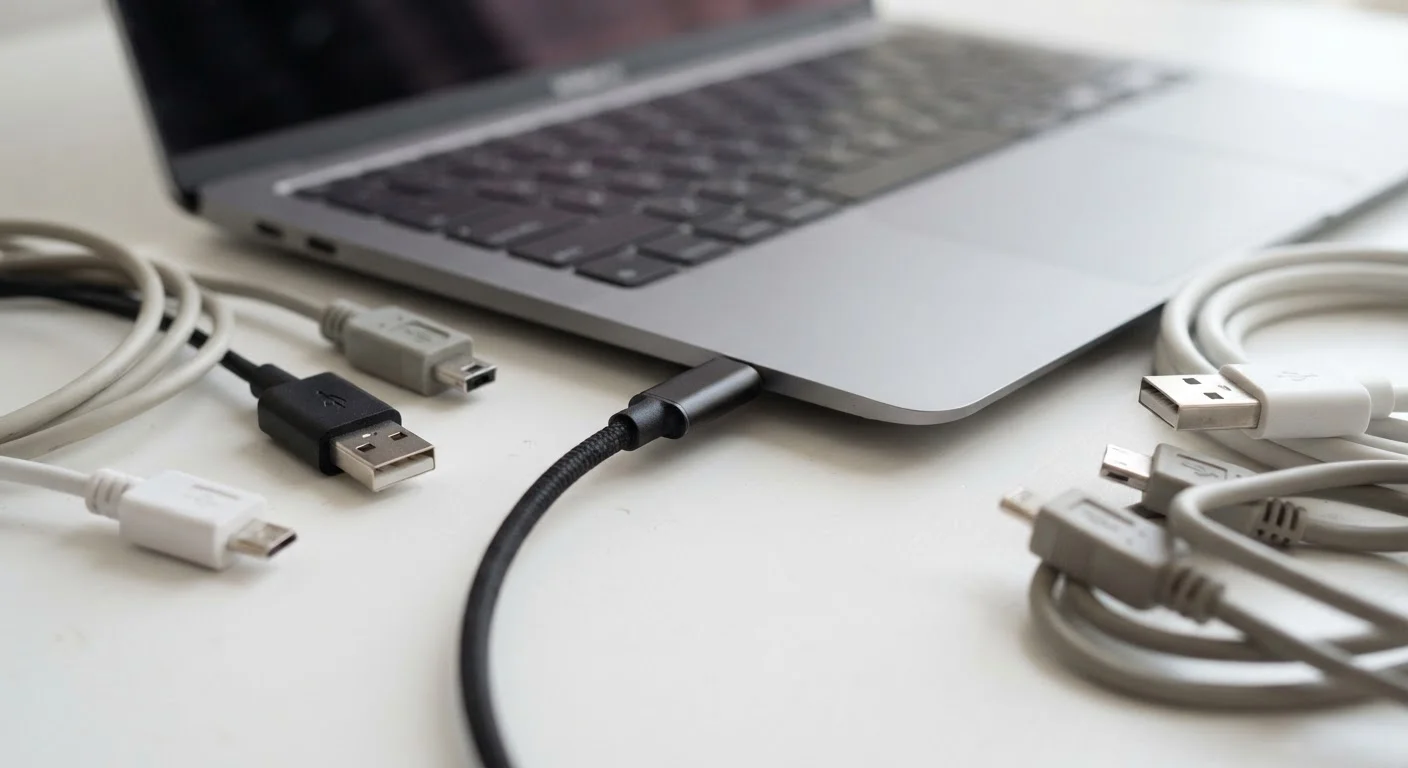
The progression from USB-A to Mini-USB, then to Micro-USB, reflected phones and cameras shrinking while also doing more. Each transition was driven by real engineering needs, not arbitrary change. The problem was that manufacturers didn't always coordinate, leading to a period where a single household might own gadgets requiring five different cables. That fragmentation carried real costs - in wasted plastic, consumer frustration, and electronic waste.
Proprietary Connectors Had a Purpose
Not every non-standard connector was purely a business strategy. Some proprietary designs genuinely offered engineering advantages for their time - a thinner profile, a waterproof seal, or faster charging before universal standards caught up. The trade-off was always compatibility against optimization. As universal standards have matured, that trade-off has largely disappeared.
What USB-C Actually Standardizes - and What It Doesn't
USB-C solves the fragmentation problem in one specific way: it standardizes the physical connector. The oval, reversible plug fits the same port regardless of whether the device is a phone, a laptop, a camera, or a gaming controller. That alone eliminates a major source of everyday friction.
But the connector shape is only the beginning of the story. What travels through that connector - and how fast - depends on underlying protocols that vary significantly between devices and cables. USB-C ports can carry USB 2.0 speeds (barely faster than a decade-old connection), USB 3.2 speeds, USB4, or Intel's Thunderbolt 4, depending on what the device's hardware supports.
Power delivery works similarly. Some USB-C ports supply only 5W - barely enough to slow the discharge on a large phone. Others support USB Power Delivery (USB PD), enabling 45W, 100W, or even higher wattage for laptops. The cable itself also matters: a low-rated cable acts as a bottleneck even between two high-powered devices.
Check the Cable Rating Before You Buy
When purchasing a USB-C cable, look for the rated wattage and data transfer speed on the packaging. A cable rated for 60W or higher with USB 3.2 or USB4 labeling will cover most use cases - charging, fast data transfer, and in many cases video output. A cable listed only as "USB-C charging cable" with no wattage may be limited to basic power delivery.
This layered reality explains why two USB-C cables that look identical can perform very differently. One might charge a laptop quickly and carry a 4K monitor signal; the other might only trickle-charge a small device and carry no video at all. Understanding this distinction - connector shape versus protocol capability - is the key to navigating USB-C confidently.
Regulation, Adoption, and the Road Ahead
The shift toward USB-C has accelerated partly because of regulatory pressure. The European Union passed rules requiring USB-C to be the standard charging connector for a broad range of consumer electronics - smartphones, tablets, cameras, and more. That policy, which took effect in stages from 2024, effectively ended the ability of major manufacturers to use proprietary connectors in those product categories for the EU market, with global ripple effects.
For consumers, this means the connector landscape is genuinely consolidating. Fewer cable types to manage is a real improvement, and the standardization of physical connectors creates a foundation that future protocols - whatever speeds or power levels they demand - can build on without requiring yet another new shape.
That said, older devices aren't disappearing overnight. Micro-USB accessories, Lightning-compatible equipment, and USB-A peripherals will remain in use for years. Adapters bridge most compatibility gaps reliably, and ports themselves are among the components that wear out over time, so gradual replacement is natural rather than forced.
For a broader picture of how device hardware ages and changes, see common gadget myths worth reconsidering, which examines other widespread beliefs about how devices work.
2024
EU USB-C mandate effective for most devices
The European Union's Common Charger Directive required USB-C for smartphones and other small consumer electronics from late 2024, with laptops following in 2026.
240W
Maximum power via USB-C PD 3.1 standard
USB Power Delivery version 3.1 extended the ceiling for USB-C charging to 240W, enabling the standard to cover high-performance laptops and other demanding devices.
40 Gbps
Peak data speed over Thunderbolt 4 / USB4
Devices with Thunderbolt 4 or USB4 over USB-C can reach up to 40 gigabits per second - roughly 16 times faster than USB 3.0 over older connector types.


